

THE SHORT ANSWER
How to save a search on eBay
eBay has a built-in saved-search feature. Run your search, choose “Save this search,” then manage it from Saved searches. That may be all you need for a straightforward keyword alert.
- 01
Run your search.
Use the keywords and filters you want to keep.
- 02
Save it.
Choose “Save this search” near the top of the results.
- 03
Manage your emails.
Open Saved searches to revisit the results or change email notifications.
Changing filters and saving again creates a new saved search, according to eBay’s help guide.
Source: eBay: Saved searches ↗
SAVE THE IMPORTANT DETAILS
What to include in your eBay search
| Price | Set a range; say separately whether your Poacher budget includes shipping. |
|---|---|
| Condition | Use the category’s condition filter, then describe specific damage you will not accept. |
| Buying format | Choose auction or fixed-price listings according to how you want to buy. |
| Category and item details | Use available attributes such as size, color or material. Availability varies by category. |
| Seller and location | Narrow the search where those controls are available; include a pickup or shipping requirement in your brief. |
What filters can you save in an eBay search?
Set filters on the results page before saving. The available choices depend on the category: a shoe search and a pottery search will not offer the same item details. Reopen the saved search to check that the criteria you intended are present.
Why the right keyword can still find the wrong item
A title may name the item while the description says it is damaged, incomplete or sold for parts. A replacement lid can match “teapot” perfectly. Your Poacher brief can describe the complete item you want and rule out those near misses.
When saved-search emails do not match your filters
Start by opening the saved search itself. Check the category, size, location and condition, then compare those results with the email. If you changed filters, check for an older saved search still sending alerts. Community reports describe inconsistent matches, but there is no single verified fix for every account.
A MORE SPECIFIC ALERT
When a keyword isn’t enough
Tell Poacher what makes a listing right for you. It reviews potential matches against your brief—so a teapot with a missing lid or a disclosed crack does not get passed along just because the title matches.
Condition
No chips, cracks or repairs mentioned in the listing.
What is included
The lid must be included; exclude replacement lids on their own.
Budget
State whether your limit includes shipping. Missing shipping cost should not be treated as free shipping.
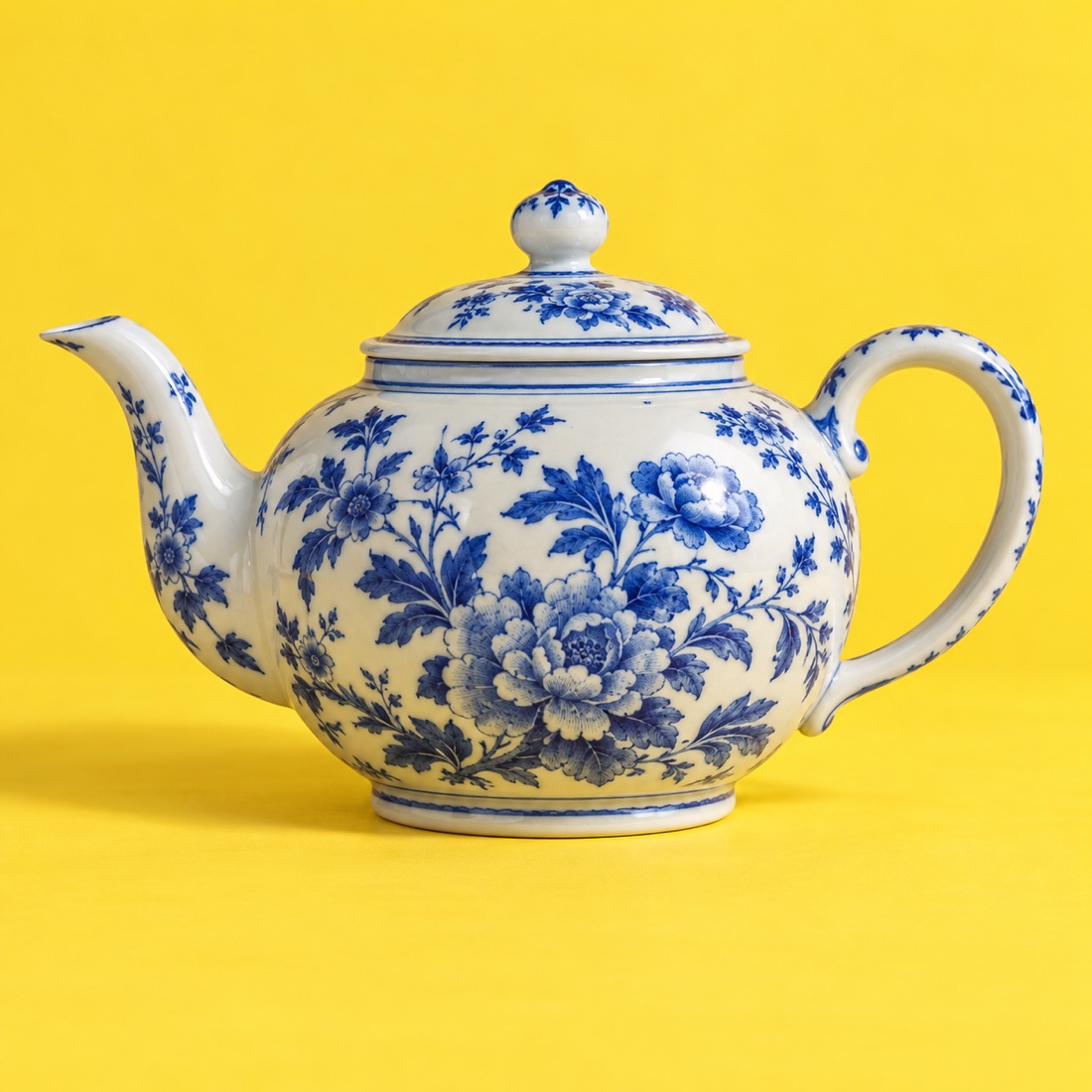
Blue & white teapot
Porcelain · no chips noted
Replacement lid only
It mentions a teapot, but it is not a complete teapot.
SET UP WITH POACHER
Keep the search.
Add what matters.
- 01
Describe your search.
Start above, or paste a public eBay results link. Review the source and any imported filters.
- 02
Let Poacher review the listings.
Your brief tells us what counts as a match. We check the available listing details against those requirements.
- 03
Approve the cost and preview.
Build a free preview before you activate your alert. Review matches, the ongoing estimate and your schedule before switching on.
What to know about this source
A listing description cannot prove authenticity or reveal damage the seller has not disclosed. Review the original listing before buying. Auctions can change price after a match is found.
QUESTIONS
eBay alerts, explained.
Is a saved search the same as a Watchlist?
No. A search looks for listings matching your criteria. A Watchlist follows individual listings you have already found.
Can I change an eBay saved search?
Open it, change the filters and save again. eBay says this creates a new saved search; remove the old one if you no longer need it.
Can I stop emails without deleting my search?
Yes. Use the envelope control for that search in Saved searches.
Can I save a search from my phone?
You can filter results on mobile. eBay’s separate Advanced search form is documented for desktop and laptop.
Will a condition filter exclude every damaged item?
A broad condition category is not a promise about every detail. Tell Poacher the specific defects to exclude, such as chips, cracks or missing pieces.
Will Poacher bid on an auction?
No. It sends matching listings to you. You choose whether to bid or buy on eBay.
Sources & editorial notes
Checked October 24, 2026. Official documentation informs the how-to; community discussions inform the questions. Individual reports do not establish how every account behaves.
- eBay: Saved searches ↗Official guide
- eBay: Advanced search ↗Official guide
- Exact-match saved-search notifications ↗Community discussion
- Saved-search notifications for excluded items ↗Community discussion
- Saved-search email parameters ↗Community discussion

