

THE SHORT ANSWER
How to save a search on Facebook Marketplace
Saving a listing and monitoring a search are different tasks. A bookmark can help you return to a search page, but it does not send alerts when new results appear.
- 01
Build the search you want.
Choose the item, location and available filters in Marketplace.
- 02
Keep the search-results link.
Bookmark it to revisit the search, or copy it into Poacher. An individual listing link watches a different thing.
- 03
Check available alert controls.
If your Marketplace interface offers notifications for that search, review those settings. This guide does not assume a particular control is present.
Review note: the current native saved-search interface still needs an account-specific walkthrough before this guide is published or advertised. These are search-link instructions, not a verified Facebook notification tutorial.
Native interface walkthrough pending before launch.
SAVE THE IMPORTANT DETAILS
What to include in your Facebook Marketplace search
| What is included | Table and chairs together, not individual chairs or accessories. |
|---|---|
| Dimensions | Maximum width and length for the space you have. |
| Pickup area | Your city or acceptable collection area. |
| Condition | Describe damage you will not accept and whether repairs are okay. |
A recommendation is not necessarily a match
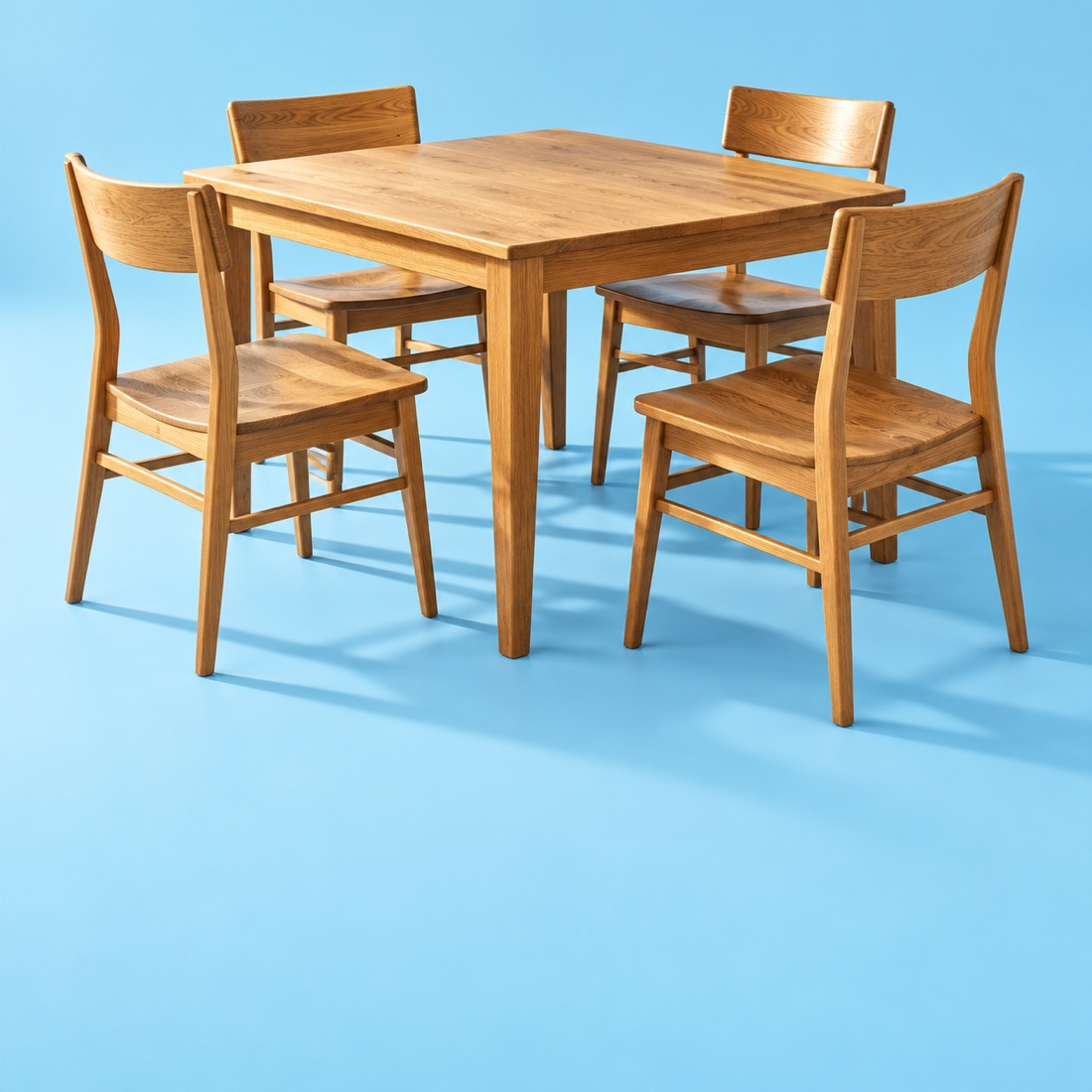
A search for a four-seat dining table can surface chairs, miniature furniture or a table sold without the chairs. Describe the complete purchase: a table and four chairs, your maximum size and your pickup area. Poacher uses those requirements to review potential matches.
Put pickup distance in the brief
A cheap table two hours away may be useless if you have a small car and one free evening. Include where you can collect and any dimensions you must fit. Ask the seller about transport details that are missing from the listing.
Saved items, saved searches and notifications
Saving one listing and following a search are different actions. Facebook’s interface can vary by account and device. Check the Marketplace controls actually available to you; general Marketplace recommendations are not proof that your precise search criteria were applied.
A MORE SPECIFIC ALERT
Specify the item, not just the brand
Tell Poacher what the purchase needs to include. It reviews matching listings so a single chair or a table without chairs does not pass for the complete set you wanted.
Complete set
A table and four matching chairs.
Condition
No broken chairs or structural damage described.
Pickup
In your chosen collection area.
Dining table + four chairs
Complete set · local pickup · good condition
One dining chair
It is dining furniture, but it is not the complete set.
SET UP WITH POACHER
Keep the search.
Add what matters.
- 01
Describe your search.
Start above, or paste a public Facebook Marketplace results link. Review the source and any imported filters.
- 02
Let Poacher review the listings.
Your brief tells us what counts as a match. We check the available listing details against those requirements.
- 03
Approve the cost and preview.
Build a free preview before you activate your alert. Review matches, the ongoing estimate and your schedule before switching on.
What to know about this source
Marketplace access can be unavailable. If your search cannot be read, setup should tell you to try later before asking you to activate or pay. Poacher does not ask for your Facebook password or message sellers.
QUESTIONS
Facebook Marketplace alerts, explained.
Is saving an item the same as saving a search?
No. A saved item is a listing you already found. A search is intended to find further listings.
Can I require local pickup?
Yes. Put the collection area in your Poacher brief and review the location evidence in sample results.
Does Poacher contact Facebook sellers?
No. You decide whether to contact the seller through Facebook.
Why not just search for an exact model name?
A model name can occur in an accessory listing or a description of a different item. Explain which product, parts and condition actually count.
Can Poacher check a source that is temporarily unavailable?
It needs access to the listings. If Facebook is unavailable, the alert cannot evaluate new items until access returns.
Sources & editorial notes
Checked October 24, 2026. Official documentation informs the how-to; community discussions inform the questions. Individual reports do not establish how every account behaves.
- Saved Search Notifications? ↗Community discussion
- Exact keyword and location questions ↗Community discussion

